

More interfaces now compatible with Focusrite Control 2
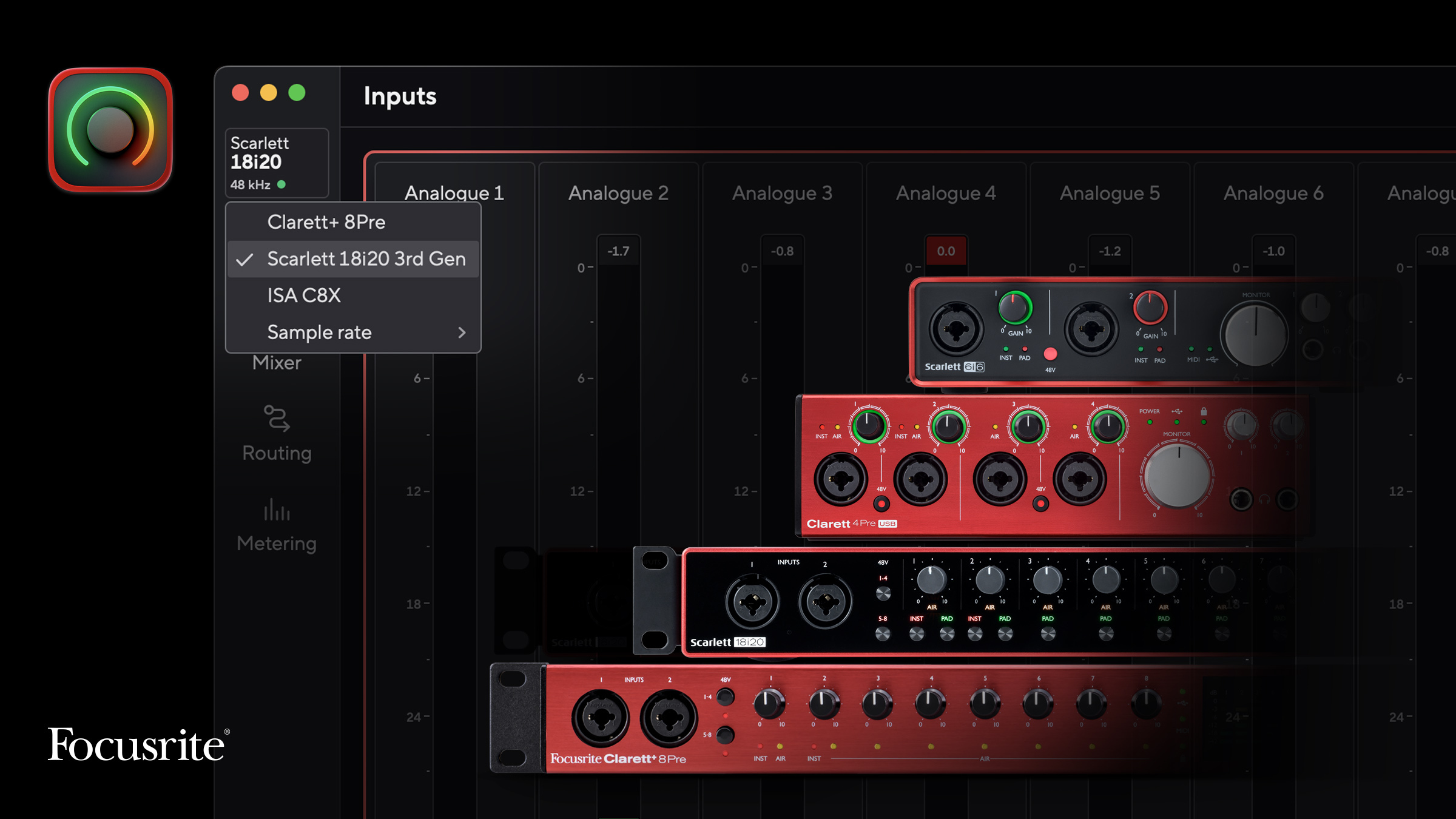
Your Focusrite interface might now be compatible with Focusrite Control 2. If you own a Scarlett 3rd Gen, Clarett+, Clarett USB, or Scarlett 2nd Gen (6i6, 18i8, and 18i20) interface, you can now connect it to Focusrite Control 2.
What's new
If your interface is one of these, you’ll notice several improvements right away. Clearer metering makes it easier to keep track of levels at a glance. Quicker mix control and intuitive routing means configuring your setup takes less time. And automatic updates mean you'll always be on the most current version, without having to download the software manually or check for new software releases.
If you’re on Windows, Focusrite Control 2 keeps your drivers current as operating systems evolve — one less thing to think about.
Long-term support
We continue to improve your software for as long as you own your interface. Whether you’ve owned an interface for several months or several years, your investment continues to improve long after purchase. By bringing more interfaces under Focusrite Control 2, you get a more unified, consistently up-to-date experience. If you’re running more than one Focusrite interface, Focusrite Control 2 lets you switch between supported devices without leaving the app — currently available on Mac.
A note on the release
If you own one of these interfaces, you'll need to uninstall Focusrite Control first to use your device with Focusrite Control 2. For a complete guide to getting started, visit the Help Centre.
Supported operating systems:
- Windows 10 (64-bit) and 11
- macOS Sonoma (14), Sequoia (15), and Tahoe (26)
Focusrite Control 2 may work on some older operating systems, but we only officially support the above. Features may differ depending on the interface you own.